# SSO
{% hint style="info" %}
Available to workspaces on our [Enterprise](https://jam.dev/pricing) plans.
{% endhint %}
### Overview
Connect your identity provider to Jam for streamlined authentication and automated team management. Your team gets secure, centralized access control while you eliminate manual user provisioning overhead.
### How It Works
**SSO (Single Sign-On):** Connects your identity provider to Jam for authentication. Team members log in using their corporate credentials instead of separate Jam passwords.
**Directory Sync:** Automatically syncs user changes from your identity provider to Jam. When you add, remove, or modify users in your IdP, those changes reflect in your Jam workspace automatically.
### Configure
{% tabs %}
{% tab title="SSO Setup" %}
**Configure Single Sign-On**
1. Go to Team Settings → General → Access
2. Click Setup next to Identity Provider
3. Follow the step-by-step walkthrough for your IdP
4. Complete the configuration in your identity provider
You should now see your IdP listed in the Access section. Team members can log in using SSO.
{% hint style="warning" %}
SSO is configured for a single domain by default. Need multiple domains? [Contact](https://jam.dev/help) our team to enable additional domains.
{% endhint %}
{% endtab %}
{% tab title="Directory Sync Setup" %}
**Configure Directory Sync**
1. Go to Team Settings → General → Access
2. Click Setup next to Active Directory
3. Follow the step-by-step walkthrough for your IdP
4. Select which user groups to sync (optional)
You should now see your IdP listed in the Access section. New users added to your IdP will automatically join your Jam team.
{% hint style="info" %}
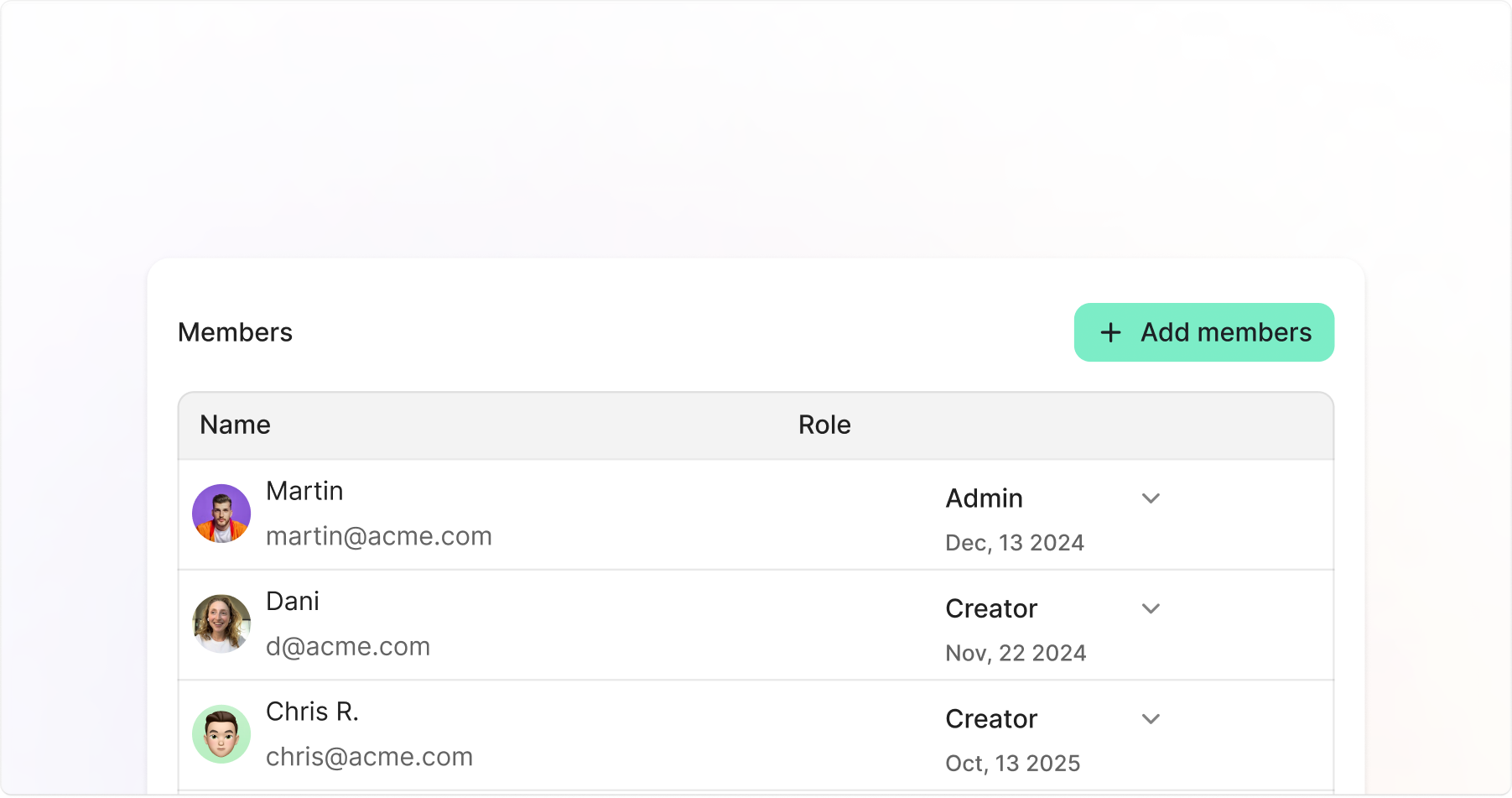
Provisioned users get the Creator role by default. You'll need to adjust roles manually in Jam settings.
{% endhint %}
{% endtab %}
{% endtabs %}
#### User Management
How you manage team members depends on your Directory Sync configuration:
{% tabs %}
{% tab title="With Directory Sync" %}
**Automated Management**
* User provisioning: Happens in your identity provider
* New user notifications: Users get email notifications when provisioned
* Role management: Handle manually in Jam team settings
* User removal: Remove from IdP to revoke Jam access automatically
* Group sync: Manage access via user groups in your IdP
Access the directory sync management page through Team Settings → Team → Manage Members.
{% hint style="warning" %}
User groups cannot be mapped to specific Jam roles automatically. Role assignment requires manual configuration.
{% endhint %}
{% endtab %}
{% tab title="Without Directory Sync" %}
**Manual Management**
* User provisioning: Add users directly in Jam team settings
* Role management: Assign and modify roles in Jam
* User removal: Remove users manually from team settings
All user management happens within your Jam workspace settings.
{% endtab %}
{% endtabs %}
### FAQs
Can I use SSO without Directory Sync?
Yes. SSO handles authentication while Directory Sync manages user provisioning. You can enable either feature independently.
What identity providers are supported?
Jam supports all major identity providers including Okta, Azure AD, Google Workspace, and SAML-compatible providers.
Can I map user groups to specific Jam roles?
Not automatically. While you can sync user groups from your IdP, role assignment in Jam requires manual configuration.
What happens when I remove a user from my identity provider?
With Directory Sync enabled, users automatically lose access to their Jam account when removed from your IdP.