> ## Documentation Index
> Fetch the complete documentation index at: https://jam.dev/docs/llms.txt
> Use this file to discover all available pages before exploring further.
# Jam docs
> Capture better bug reports with Jam. Start with setup, recording, Recording Links, and your core debugging workflow.
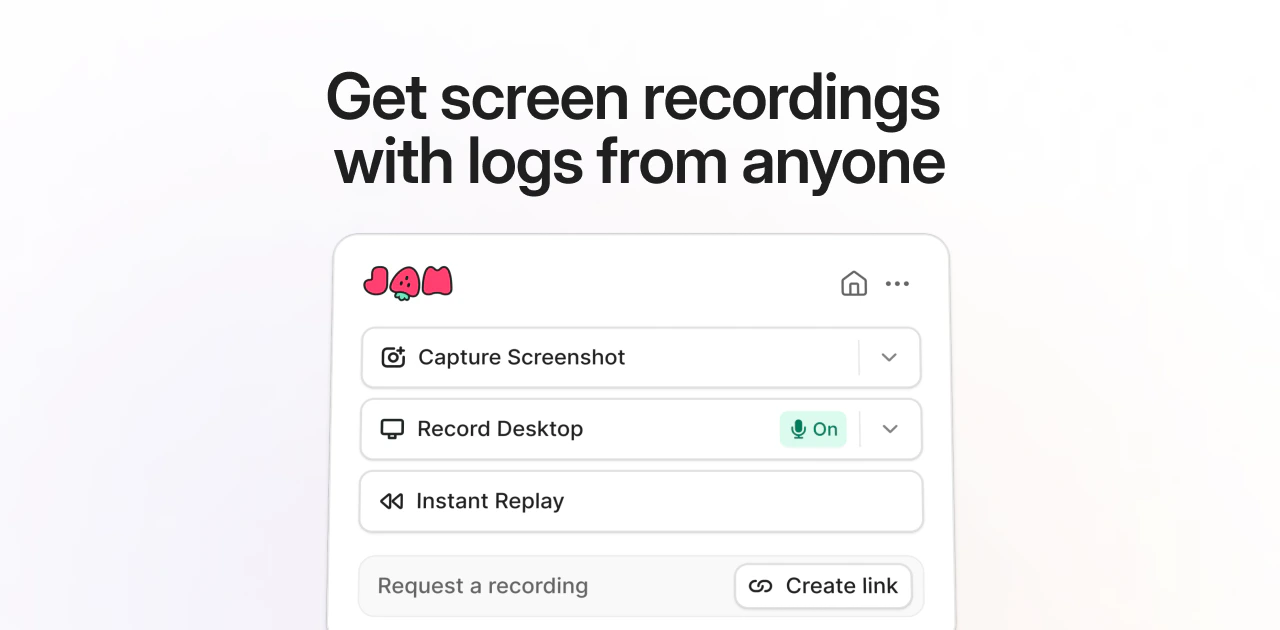 Jam docs help you capture bug reports with recordings, screenshots, logs, network requests, and device details so your team can reproduce issues faster.
## Getting started
Install the Chrome extension and capture your first Jam.
Record a bug report with video, screenshots, logs, and network requests.
Request a screen recording from anyone. No extension required.
Send Jams to Jira, Linear, Slack, GitHub, and other tools.
## Use Jam
Show the bug as it happens with screen recording and annotations.
Save the last two minutes of browser activity after a bug happens.
Collect Jams from customers, members, and external collaborators.
Give AI agents the recording, logs, network requests, and user events from a Jam.
Jam docs help you capture bug reports with recordings, screenshots, logs, network requests, and device details so your team can reproduce issues faster.
## Getting started
Install the Chrome extension and capture your first Jam.
Record a bug report with video, screenshots, logs, and network requests.
Request a screen recording from anyone. No extension required.
Send Jams to Jira, Linear, Slack, GitHub, and other tools.
## Use Jam
Show the bug as it happens with screen recording and annotations.
Save the last two minutes of browser activity after a bug happens.
Collect Jams from customers, members, and external collaborators.
Give AI agents the recording, logs, network requests, and user events from a Jam.