> ## Documentation Index
> Fetch the complete documentation index at: https://jam.dev/docs/llms.txt
> Use this file to discover all available pages before exploring further.
# Workspace Setup
> Set up a shared workspace so your whole team can capture, organize, and route bugs to the tools you already use.
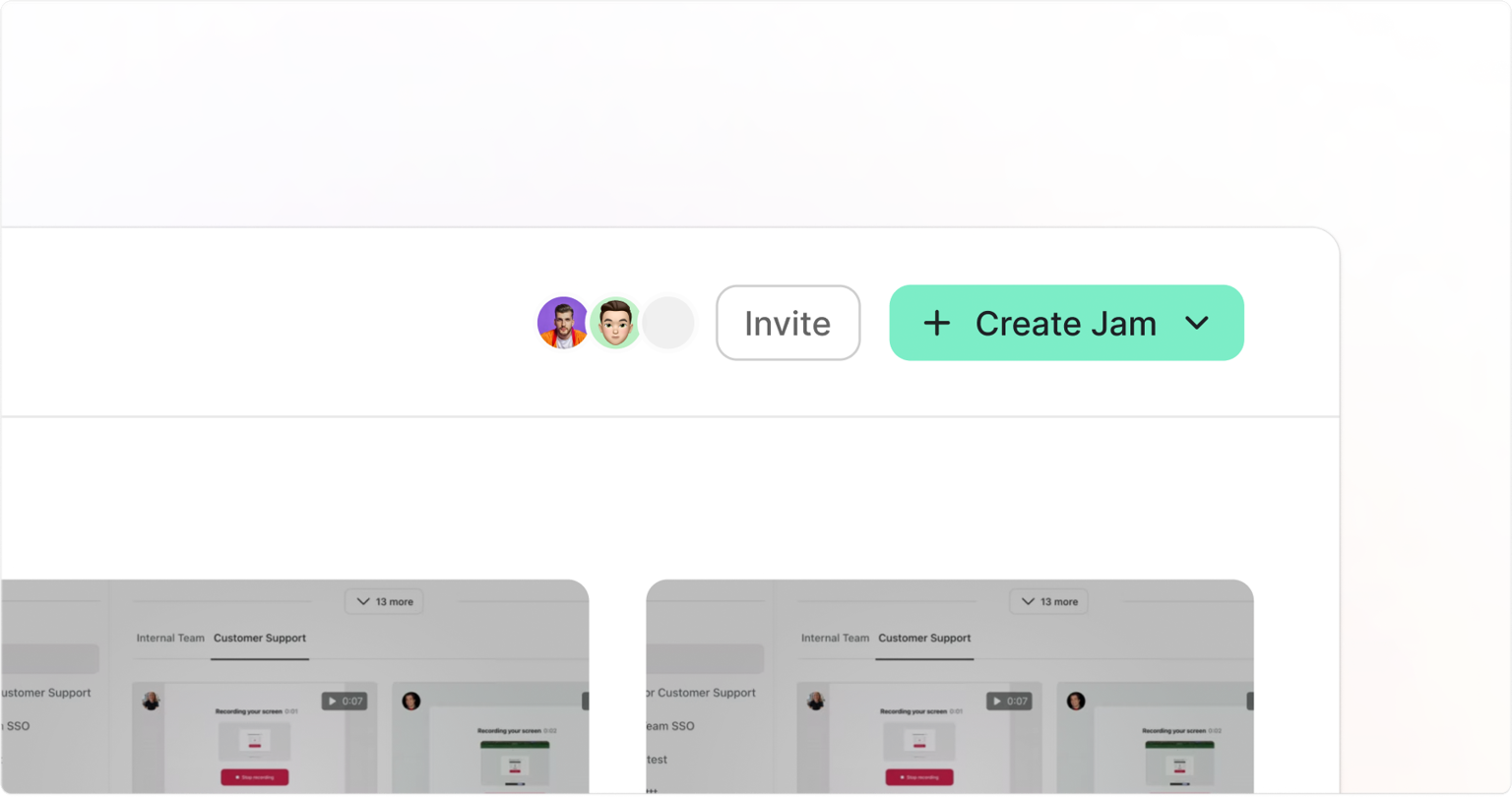 A Jam workspace gives your whole team a shared place to capture, organize, and debug issues together.
## Set up your workspace
If you haven't created a workspace yet, sign in at [jam.dev](https://jam.dev/login) and create one. Workspaces [support domain-based discovery](/workspace-visibility). Anyone with a matching email domain can find and request to join your workspace automatically.
## Invite members
Log in to [jam.dev](https://jam.dev/login) and go to your workspace.
Click **Invite** in the dashboard header.
Invite members by email address or share the workspace invite link.
Adjust member roles and permissions as needed. See [Members and Roles](/members-and-roles) for the full breakdown of available roles.
A Jam workspace gives your whole team a shared place to capture, organize, and debug issues together.
## Set up your workspace
If you haven't created a workspace yet, sign in at [jam.dev](https://jam.dev/login) and create one. Workspaces [support domain-based discovery](/workspace-visibility). Anyone with a matching email domain can find and request to join your workspace automatically.
## Invite members
Log in to [jam.dev](https://jam.dev/login) and go to your workspace.
Click **Invite** in the dashboard header.
Invite members by email address or share the workspace invite link.
Adjust member roles and permissions as needed. See [Members and Roles](/members-and-roles) for the full breakdown of available roles.