
Getting started
Start with Jam
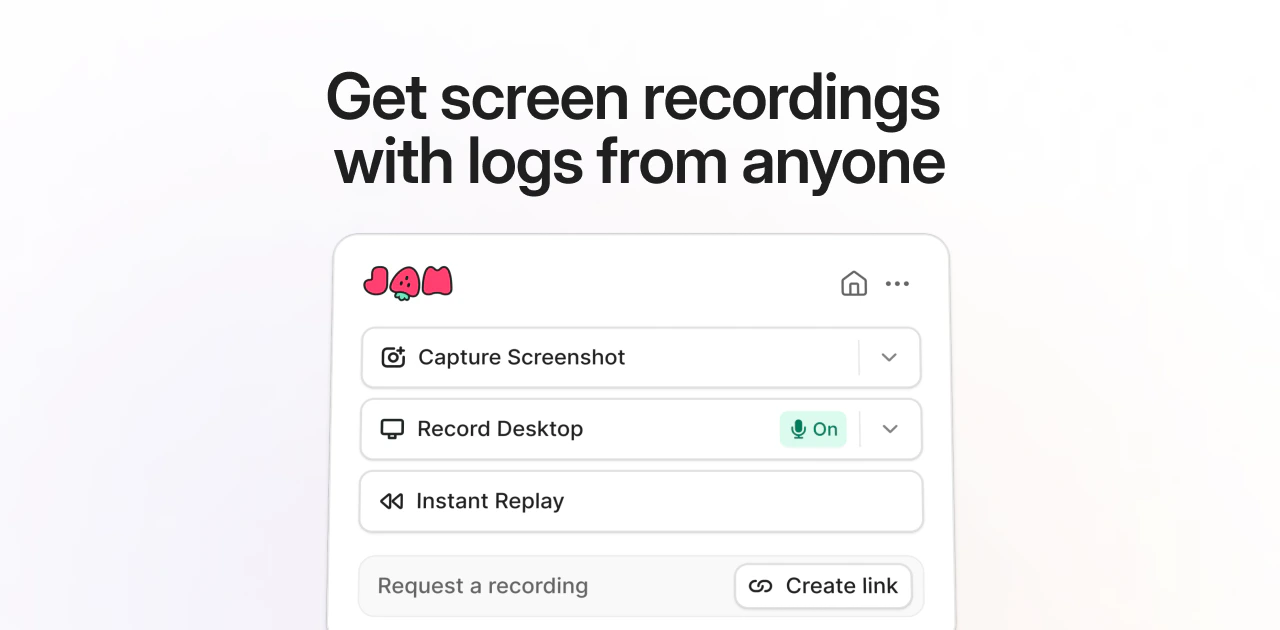
Install the Chrome extension and capture your first Jam.
Create a Jam
Record a bug report with video, screenshots, logs, and network requests.
Create a Recording Link
Request a screen recording from anyone. No extension required.
Connect your apps
Send Jams to Jira, Linear, Slack, GitHub, and other tools.
Use Jam
Record a video
Show the bug as it happens with screen recording and annotations.
Use Instant Replay
Save the last two minutes of browser activity after a bug happens.
Request recordings
Collect Jams from customers, members, and external collaborators.
Debug with MCP
Give AI agents the recording, logs, network requests, and user events from a Jam.