

Set up your workspace
If you haven’t created a workspace yet, sign in at jam.dev and create one. Workspaces support domain-based discovery. Anyone with a matching email domain can find and request to join your workspace automatically.Invite members
1
Open the dashboard
Log in to jam.dev and go to your workspace.
2
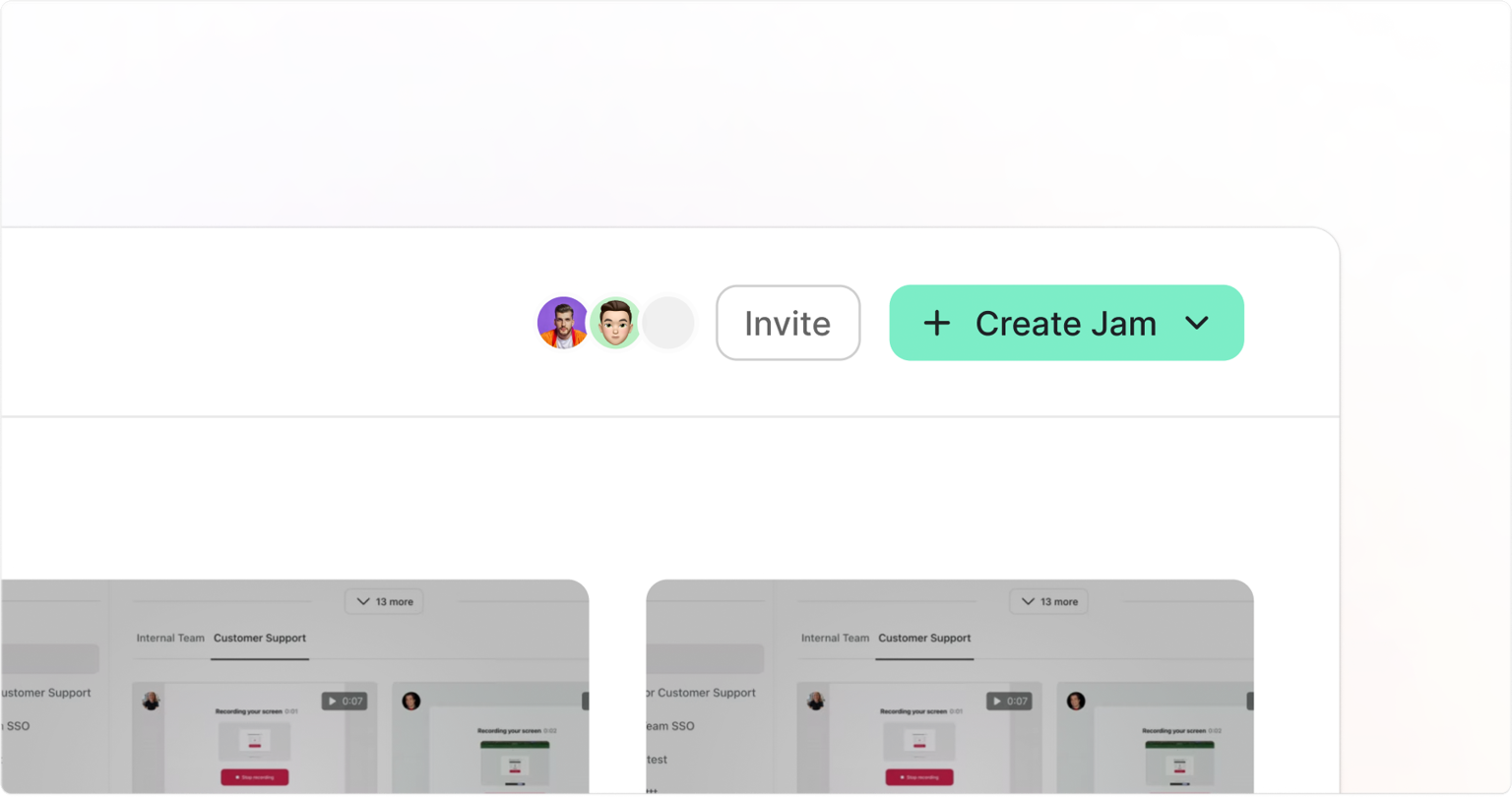
Click Invite
Click Invite in the dashboard header.
3
Send invitations
Invite members by email address or share the workspace invite link.
4
Assign roles (optional)
Adjust member roles and permissions as needed. See Members and Roles for the full breakdown of available roles.
Workspace visibility
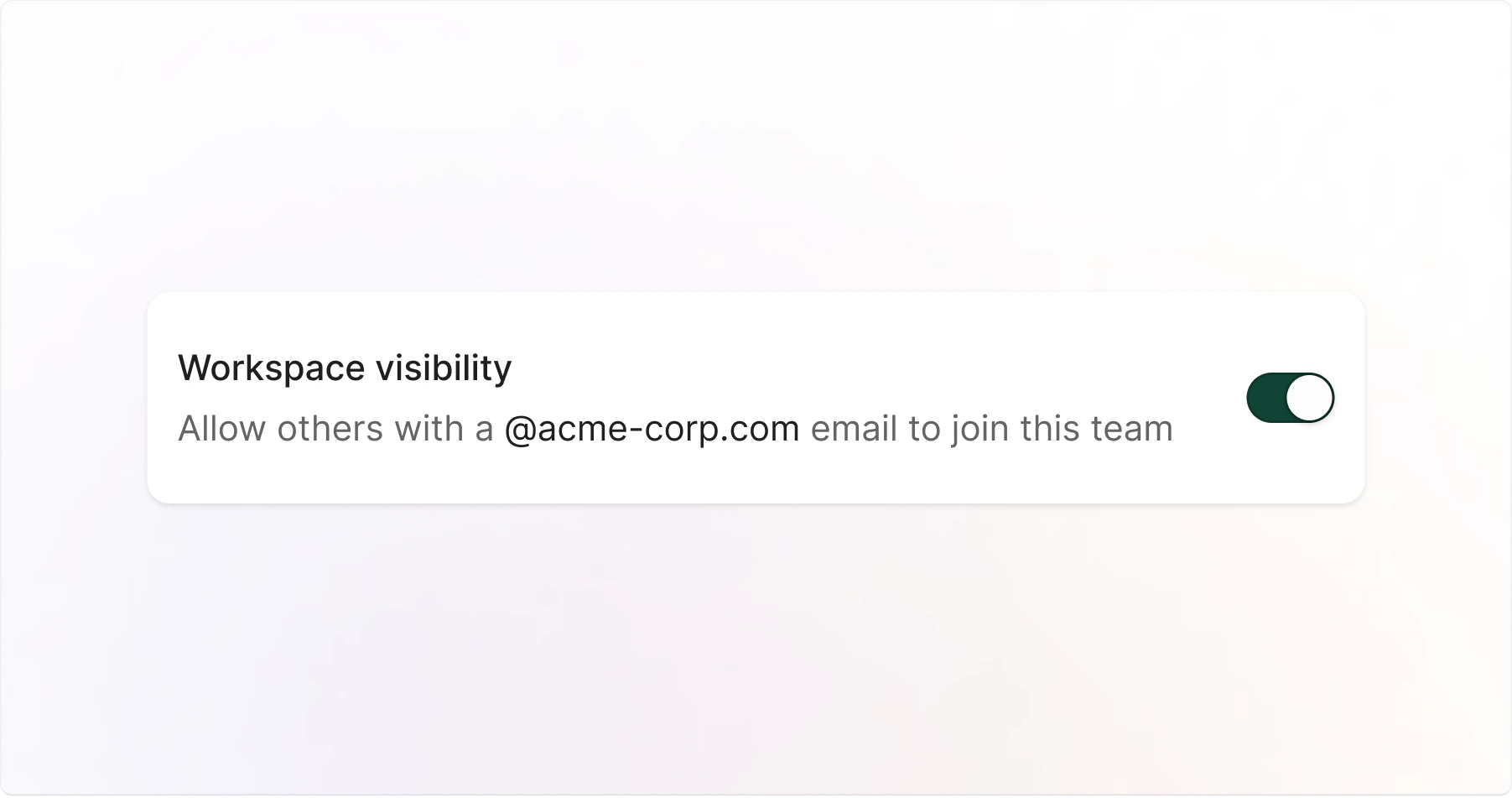
Managing Workspace Visibility
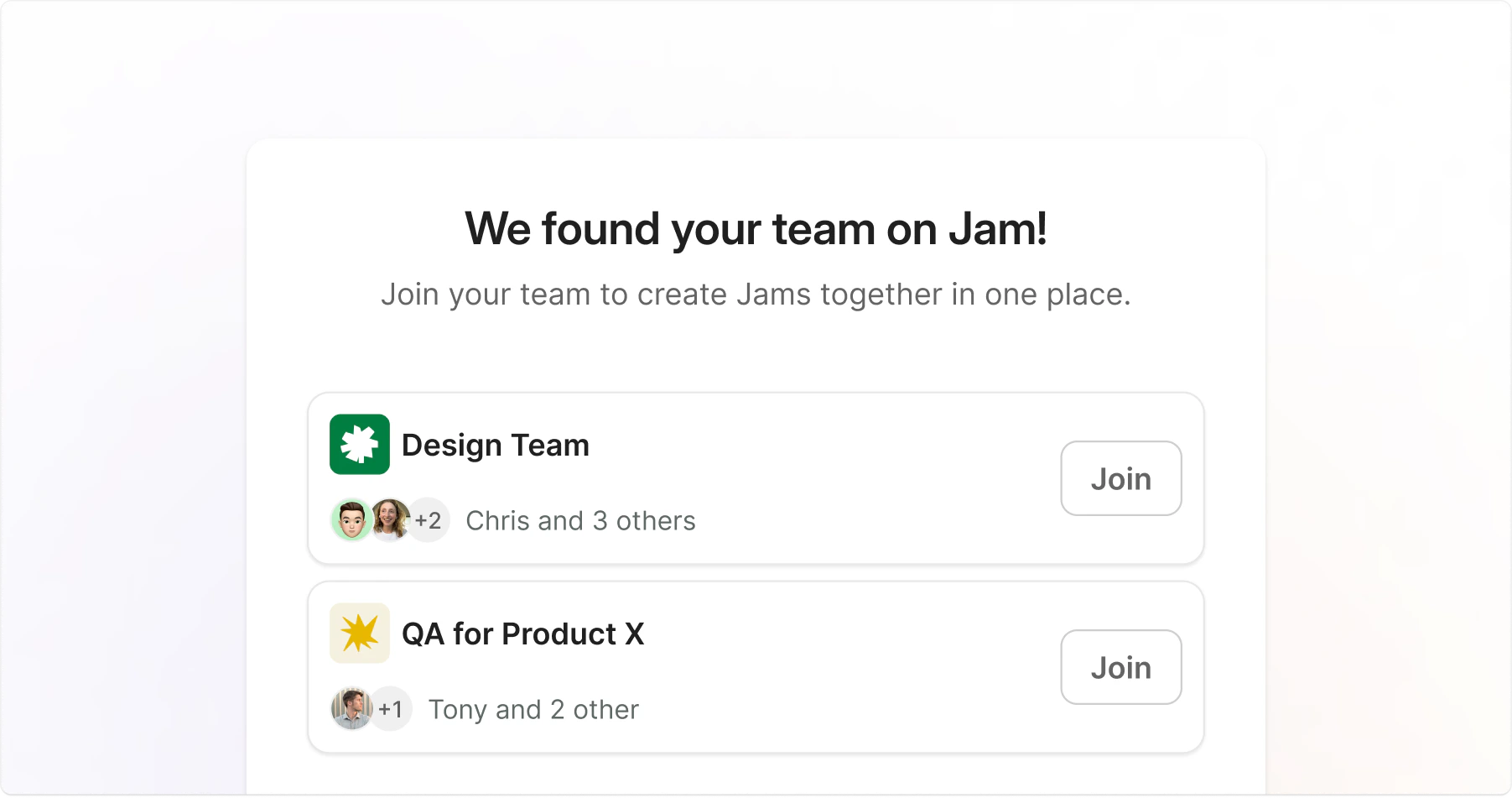
Workspace visibility controls where your workspace appears:- Sign-up for new users with your company email domain
- In-product prompts for existing Jam users with your company email domain
Users join as Viewers and can be promoted to other roles by workspace admins
Default Behavior
Workspace visibility availability depends on your plan:- Free and Team plan: enabled by default for all workspaces
- Enterprise Plan: Not available. Enterprise workspaces use advanced security and access controls.
- Legacy Plans: Disabled by default. Upgrade to the new Team plan to enable this option
Configure
Only workspace admins can change visibility settings:1
Open Settings
Go to Settings.
2
Find the Workspace visibility section
3
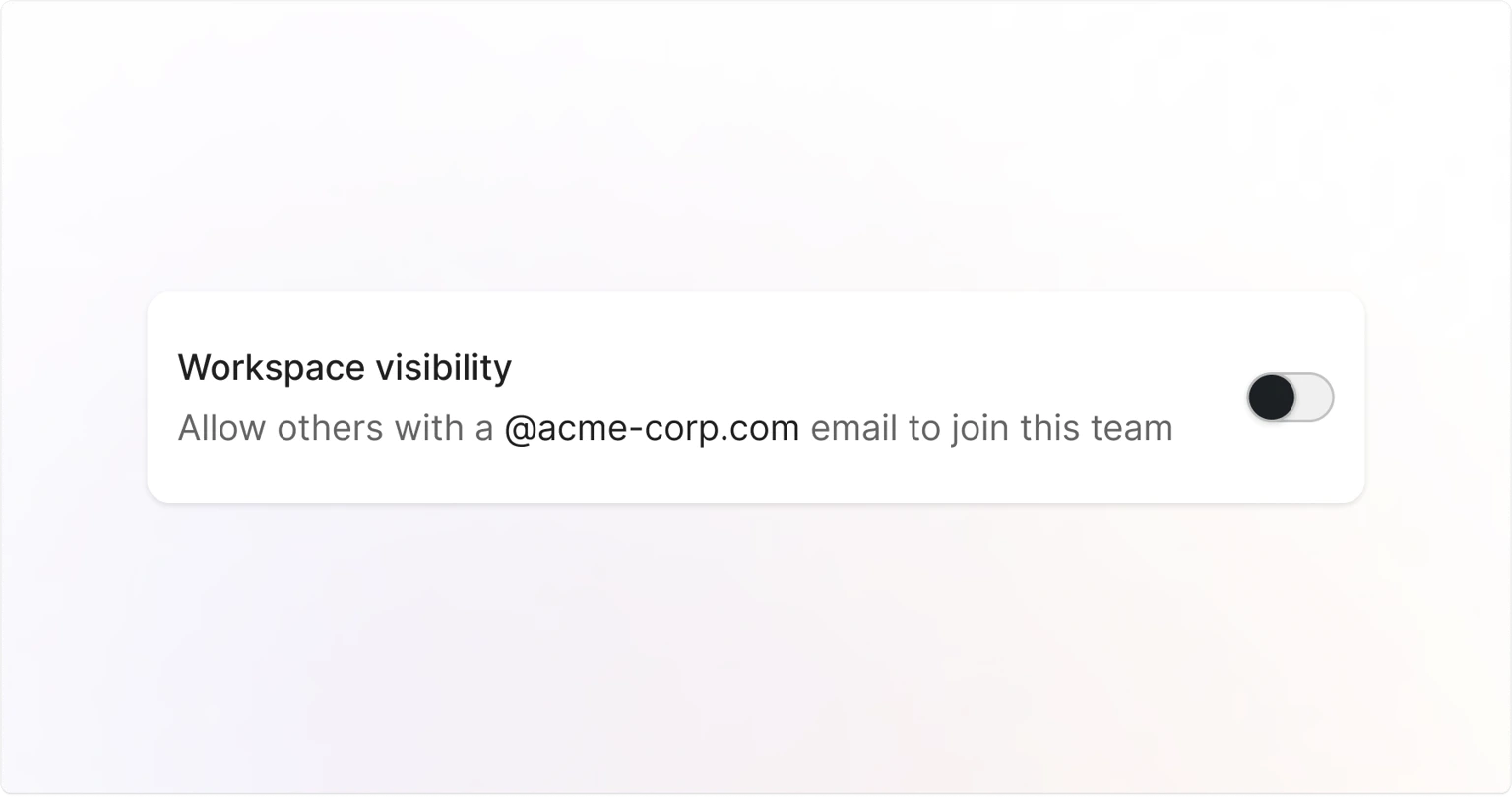
Toggle visibility on or off
Set Workspace visibility to On or Off.
- Visibility on
- Visibility off
Anyone signing up or logging in with your company email instantly sees the option to join your workspace.
Privacy considerations
Workspace discoverability is separate from access controls, which determine who can view your Jams:- Workspace visibility: Controls whether users with your domain can find and join your workspace
- Access Controls: Controls who can view your Jams and folders
Workspace admins get notified each time someone joins.