

Available to workspaces on our Team or Enterprise plans.
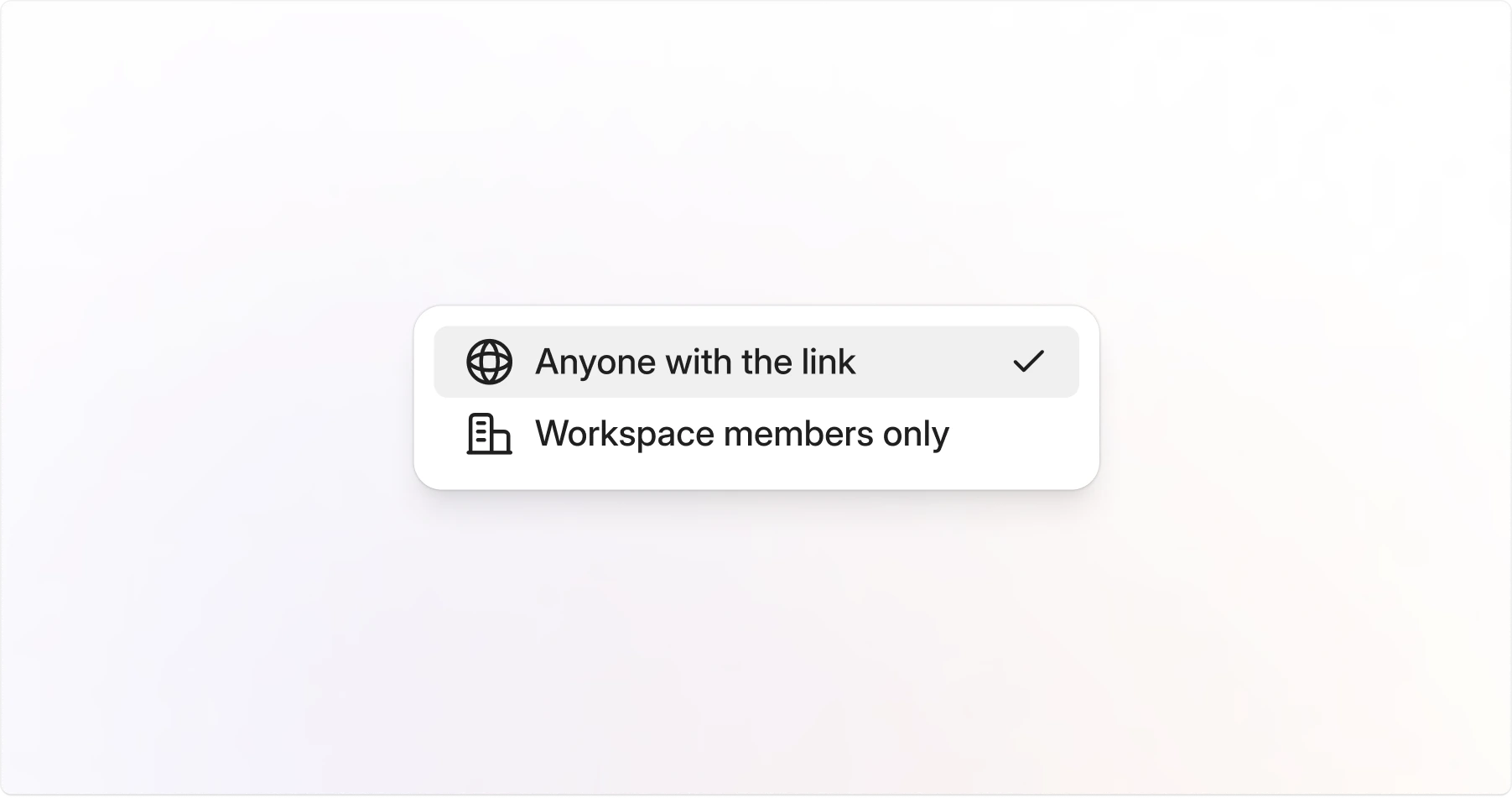
Default link access
Control default access for every Jam in your workspace:- Anyone with the link: Anyone with the link can view
- Workspace members only: Only members of your workspace can view
- Default Workspace Setting
- Individual Jam
1
Open Settings
Go to Settings.
2
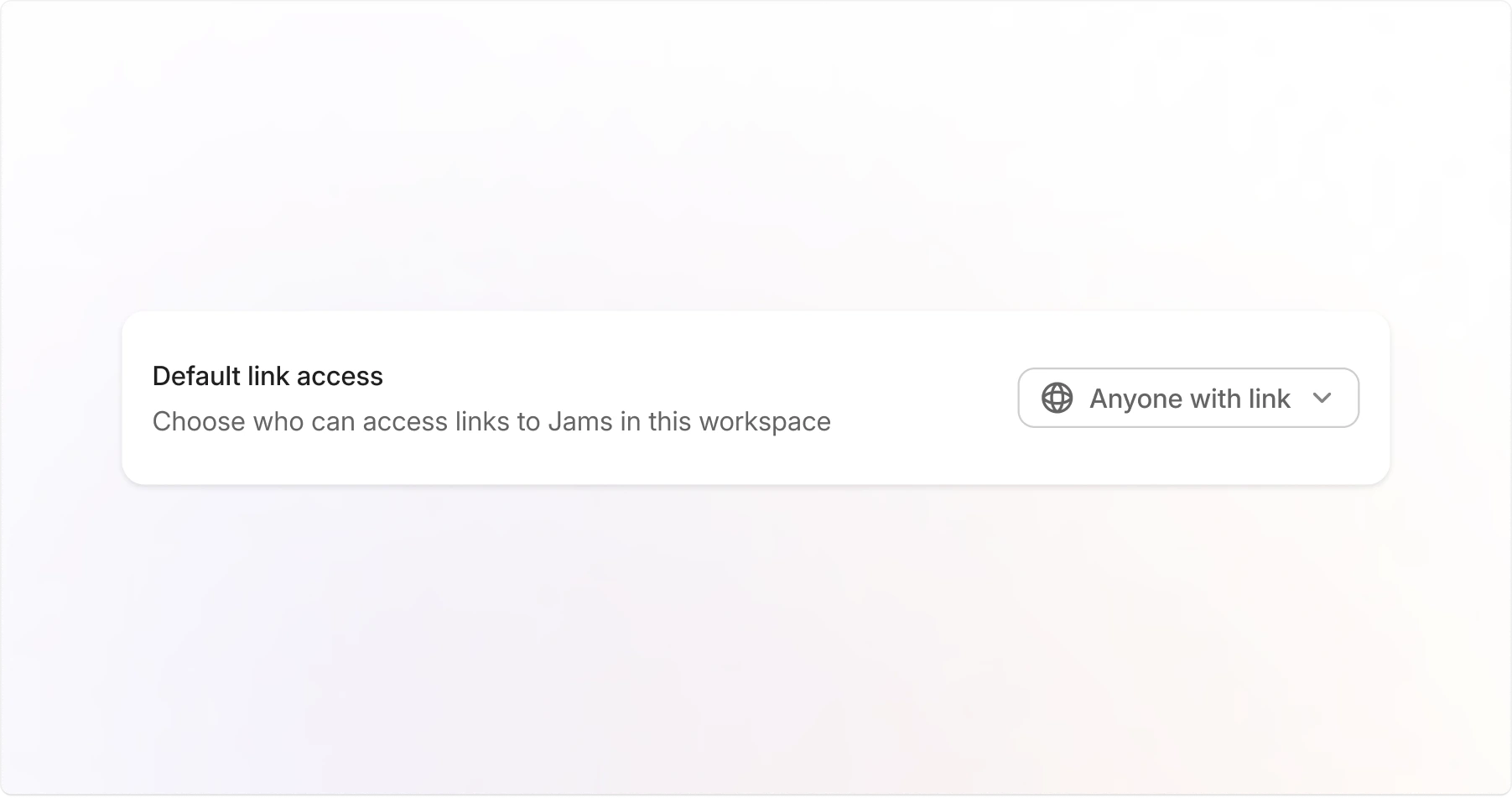
Locate the Default link access section
3
Choose an access level
- Anyone with the link: Anyone with the link can view
- Workspace members only: Only members of your workspace can view
FAQ
What's the difference between Anyone with the link and Workspace members only?
What's the difference between Anyone with the link and Workspace members only?
Anyone with the link lets anyone with the link view the Jam (no login required). Workspace members only requires users to log in and be part of your workspace.