

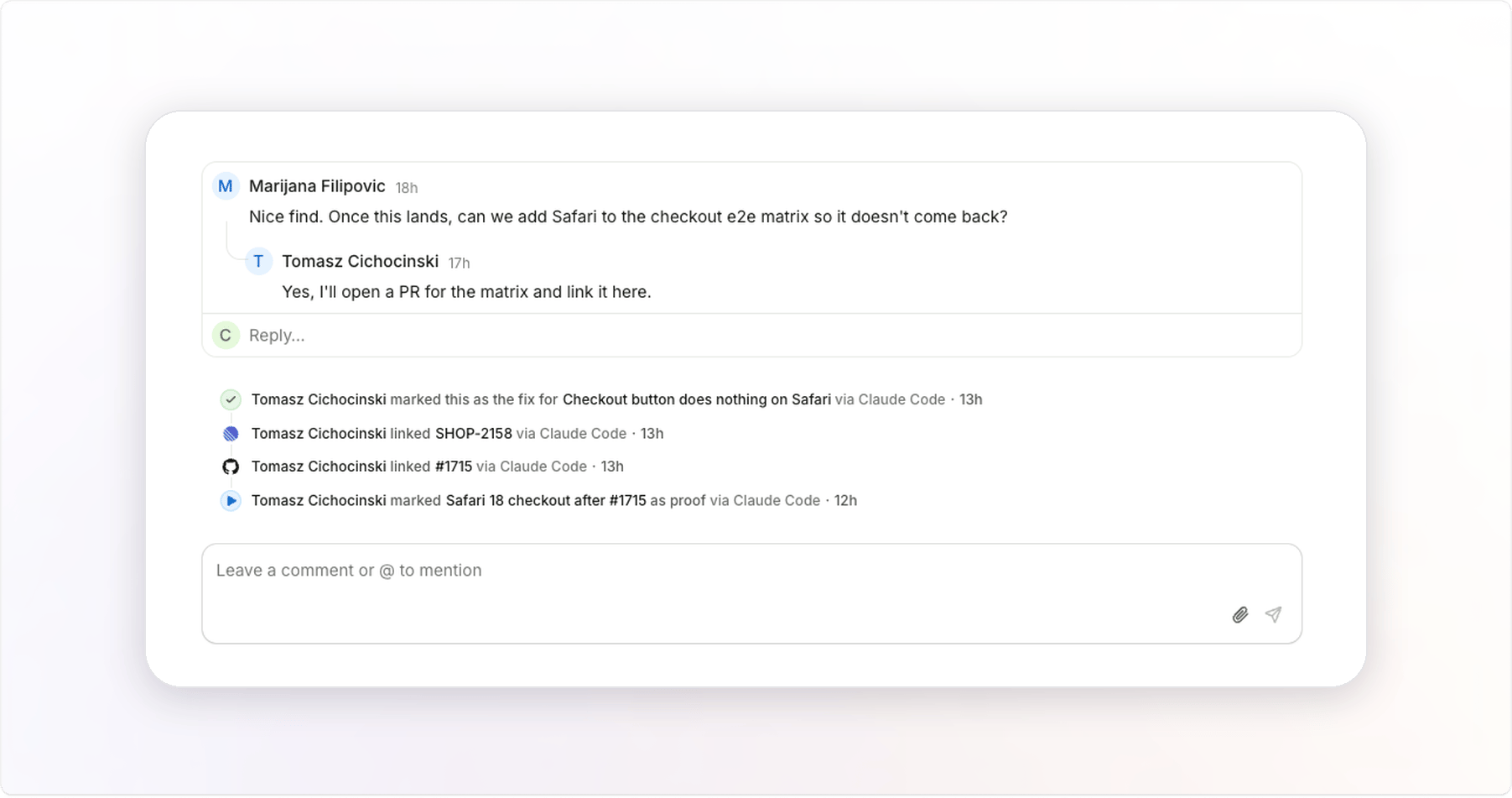
Resources
Use resources when a Jam belongs with something outside Jam: a pull request, a ticket, a CI run, or a document. The next person who opens the Jam goes straight to it.Related Jams
Use related Jams when one Jam belongs with another in the same workspace, such as the Jam that shows a fix and the Jam that reported the bug. Each Jam shows the link to the other.Add and remove links
Your agent adds links as it works. The UI has no controls for links, so ask your agent to add or remove one. Prove a fix walks through it. The tools are in Jam MCP, and the flags are in the CLI reference.FAQ
Who can add links?
Who can add links?
Admins and Creators. Viewers see links but cannot add or remove them.
How many links can a Jam have?
How many links can a Jam have?
Up to 50 resources, and links to up to 50 other Jams.
Can I find Jams by their links?
Can I find Jams by their links?
Yes. Ask your agent, for example “Which Jams in this folder have no fix?”